
What digital skills do learners need for online learning?
Last year, Lloyds Bank Consumer Digital Index found that 17% of the UK population did not have full basic digital skills, while 9% had no basic digital skills. This effectively means that at least 1 or 2 learners in every adult class needs support in order to participate successfully in an online learning programme. In reality, depending on the demographic of your learners, this could be much higher. You’ll see from my previous blog posts that this is the case with my learners.
So, what skills do students need in order to learn online? Scotland’s Adult Literacies Curriculum Framework advises that students should be supported to participate in online communications such as writing text messages, emails and social media posts, or using online chats and any other technology required for their educational programme.
The UK’s Essential Digital Skills Framework Foundation skills include:
using available controls in a device (e.g. touchscreen to use annotate function in video conferencing)
using assistive technology (e.g. translation or text-to-speech tools)
opening and accessing an application (e.g. web 2.0 tools such as padlet)
connecting to the internet
setting up an email account
communicating using email or messaging apps
sending photos via messaging apps or email
using and sharing word processing documents
using search engines
In my experience, learners also benefit from knowing how to use translation tools, use shift to change case, click to select, open new windows, copy links, save files and use the return key to start a new line and send messages in Zoom chats.

An all important basic digital skill.
Nicky Hockly highlights the importance of ‘new literacies’ such as texting literacy, mobile literacy, search literacy and hypertext literacy. When our learning programme first moved online, it became clear that hypertext literacy was crucial. Learners needed to be able to identify and select the relevant links in order to enter their Zoom lesson or access their asynchronous learning activities. Moreover, I have found it crucial to share links as hyperlinks, because students don’t always have the skills to copy and paste link addresses in order to access them.
This week I had the joy of discovering that the college had treated all our students to e-books! Hurrah! Happy days!
But then, the sinking feeling came.
The realisation that I had to get students to do three seemingly simple things: register, sign in and add their book to their library using a 12 digit code. When your learners have limited English and limited digital skills, you’ll know that this is anything but simple.
Passwords can be a barrier to learning.

Digital skills learners need in order to sign in:
1. Knowing their email address.
2. Typing their email address correctly.
3. Using ‘shift’ to input @.
4. Using caps lock/shift to enter a capital letter or symbol in a password.
5. Typing/spelling a password correctly (twice if they need to ‘confirm password’).
5. Knowing the difference between ‘Register’ and ‘Sign in’.
I can fully understand why this is difficult. Imagine having to access a website in Vietnamese, Arabic or Kurdish Sorani, then type your login details using an unfamiliar keyboard. I’d struggle too. In fact, every time I visit my friend in Spain and borrow her laptop, I have to ask her to show me how to input @. Likewise whenever I use an Apple computer.
Just as beginner learners need to learn classroom language such as ‘open your books’, ‘use a pen’ and ‘match’ or ‘circle’, online learners also need vocabulary and skills such as how to navigate their screen (e.g. top right, middle, bottom left), submit their work (e.g. take a photo, send an email), use a video conferencing tool (e.g. mute, turn on your video, click the pen icon, use the chat) and understand the difference between ‘register’ and ‘sign in’. Some learners also may need training on confirming a password or using ReCaptcha.

ReCaptcha is great to check you’re a human. But what if your students don’t know what a ‘truck’ is?
ReCaptcha is great to check you’re a human. But what if your students don’t know what a ‘truck’ is?Essentially, in order to succeed online, learners need support to gain basic digital skills. This is a process which takes time, and patience on the part of the teacher and the learner. I’ve found that drip-feeding digital skills into my online lessons really helps; introduce one skill, allow time for them to master it, then move on to the next. That, and always being prepared to take ten steps back to start at the very beginning.
What skills have your learners needed to participate online? How do you support them to acquire them? Leave your comments here, or tweet me.
Check out my online courses! Click the laptop for more info!

Visual Thinking to Make Learning Accessible, Engaging & FUN,
I'm Emily Bryson, an English Language Teaching Specialist who brings visual thinking sparkle to classrooms around the world.
I can help ELT Professionals and Educators with:
Teacher Development online and in-person
Visual Thinking Resource Packs for language learners
Online Courses in visual facilitation for English language teachers
Materials, Books, Blogs for the ELT classroom
FREE Guides in Sketchnoting & Graphic Facilitation for learning English
Free Guides in Visual Thinking for English Language Teachers
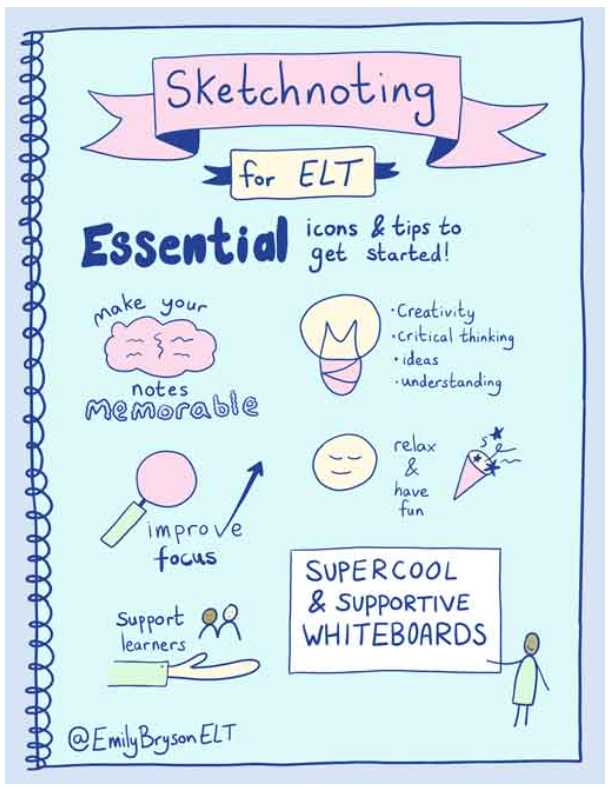

Online Courses & Resources with a Visual Twist
Designed Especially for ELT Professionals


Visual Note Taking (Sketchnoting) & Teacher Development Services for Online & In-Person Educational Conferences & Events


Leave a Comment
🪄 Visual Sparkle for English Language Learning & Teaching 🪄
Copyright © 2025 Emily Bryson ELT


