
How to teach digital skills online
I’ve written a few blog posts now on online learning, especially with adults who have limited educational background or digital skills. My last one focused on what digital skills learners need for online learning. This post focusses on how to teach those digital skills from behind a computer or mobile screen, where the luxury of demonstrating face to face is not possible. It is based on reading I did whilst completing my MEd Technology Enhanced Language Learning module at University of West of Scotland last autumn. Highly recommended. And there’s funding available if you live in Scotland.
Use a platform they know
The number one aim of the online language class is for our learners to learn English. Teaching digital skills online can distract from the language objectives of the lesson, so it can be wise to start with a platform they already know (e.g. Whatsapp) and check-in frequently with learners individually to encourage them ask any questions or raise any concerns.
Drip feed the digital
So you’ve started on familiar territory. Students feel calm and confident about their learning, but ideally, you want to add variety to their learning experience and develop their digital skills. In a wonderful webinar for MN ABE Professional Development in 2020, Amy Van Steenwyk advised teachers to keep online tasks simple and allow students to master one online activity at a time.
This is very much my recommendation too. Think about a skill and break it into smaller sub-skills. These would be my steps in Zoom:
Start with downloading Zoom > logging in > click link to login > turn on/off sound > turn on/off video > use chatroom > use annotation tools > use breakout rooms > share screen in break out rooms > conquer the Zoom world.

Conquering the world of Zoom, one digital skill at a time.
Use familiar language
One of the first things a trainee English language teacher learns is to modify their language so that students understand their instructions. This should also be the case when teaching digital skills. Consider using the colour of the button or its location on the screen rather than the jargon. For example, Amy Van Steenwyk advises telling students to ‘click blue’ rather than ‘join’ when using breakout rooms, a word which they may not know. The need for this can, of course, be avoided if you automatically assign students to breakout rooms, but the principle applies for giving instructions.
Teach unknown language
The digital world is full of jargon: breakout room, sign-in, register, join, annotate, comment. Teaching these terms is often the first step in teaching digital skills. Before asking learners to perform a task online, think about what language they might need for it. I like to keep a Google Slides doc full of helpful icons and vocabulary that I can quickly refer to during class. I drew this visual to teach the term ‘Breakout room’. You may recognise it is from my previous post on Tips for Online Teaching. Feel free to use it with your own learners, or better, copy the simple drawing yourself.

Visuals help learners to understand digital jargon.
Use instructional videos and screenshots
Instructional videos can be super handy when training learners with technology. When making these, I find it helps to focus on one thing (e.g. annotating) as it’s easier to find and share the one you need at the time you need it. If a learner just needs a refresher on accessing the annotation tool, there’s no need to send them a 40 minute epic on how to do EVERYTHING on Zoom – a screenshot with a comment or a short video will do. One skill at a time. Even better if it’s in their first language. In general, videos should be less than ten minutes. Think TED Talks. There’s a reason they are short and sweet.
Encourage first language & peer support
If you wanted to learn digital skills, would you do it in your L1 or a language you are learning? I’d certainly do it in my L1! Allowing learners to access devices and instructional videos in their L1 can be immensely helpful. Encourage learners to support each other in their first language when and if necessary. This could be in class, or asking students with strong digital skills to support their peers. I’ve also found family members living with students to be incredibly helpful.
Refer to digital skills courses
The world of digital skills training is not just in English. There are plenty of courses available for learners to access in their first language. My previous blog post has a list. If you know of any more, I’d be happy to add them!

Love my drawings? They’re a really quick and simple way to engage learners and followers. Want to know how? I am now running online courses: https://www.emilybrysonelt.com/all-courses/
Visual Thinking to Make Learning Accessible, Engaging & FUN,
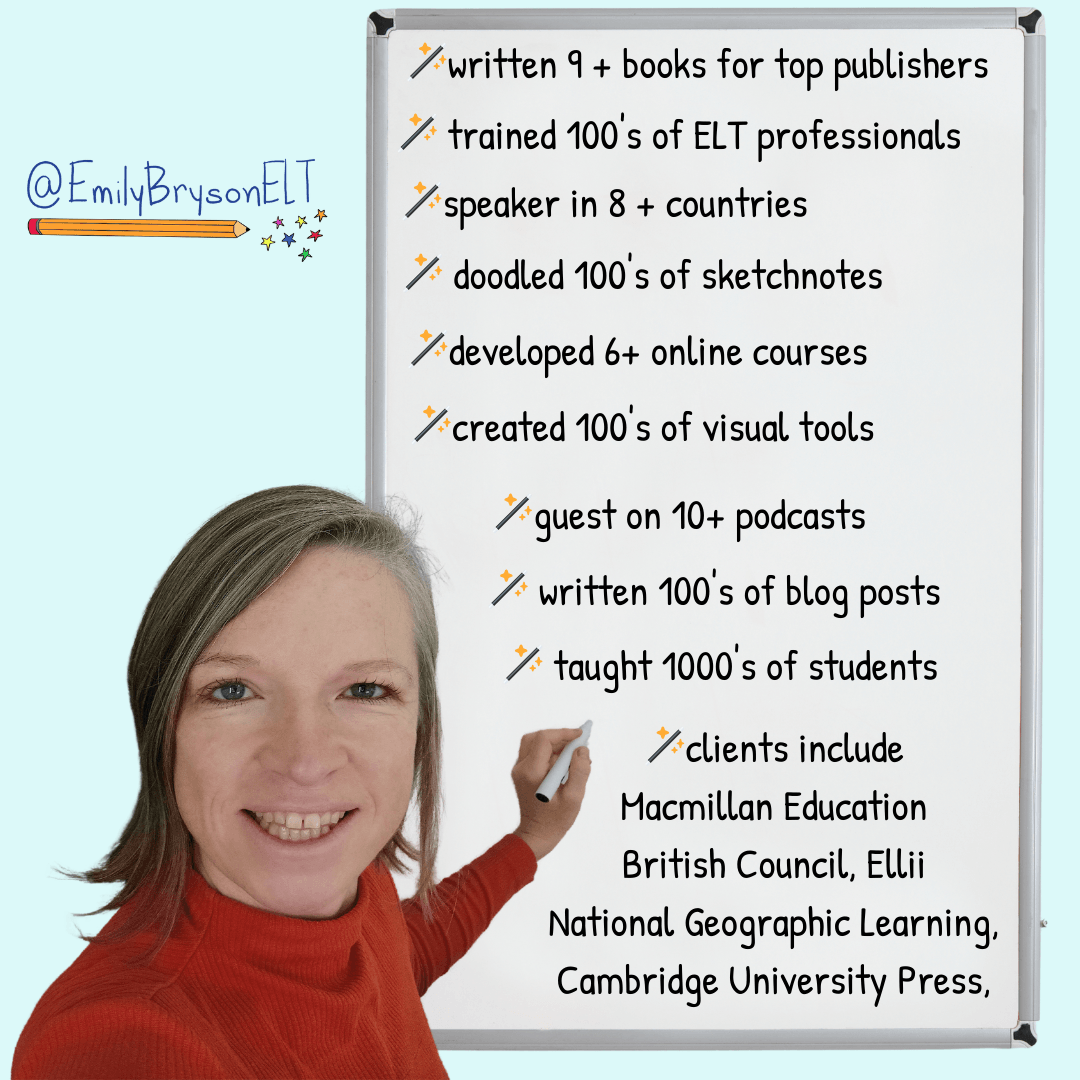
I'm Emily Bryson, an English Language Teaching Specialist who brings visual thinking sparkle to classrooms around the world.
I can help ELT Professionals and Educators with:
Teacher Development online and in-person
Visual Thinking Resource Packs for language learners
Online Courses in visual facilitation for English language teachers
Materials, Books, Blogs for the ELT classroom
FREE Guides in Sketchnoting & Graphic Facilitation for learning English
Free Guides in Visual Thinking for English Language Teachers


Online Courses & Resources with a Visual Twist
Designed Especially for ELT Professionals


Visual Note Taking (Sketchnoting) & Teacher Development Services for Online & In-Person Educational Conferences & Events


Leave a Comment
🪄 Visual Sparkle for English Language Learning & Teaching 🪄
Copyright © 2025 Emily Bryson ELT


